Storing Credit Card Information: Risks and Best Practices

Purple banner with the heading “Storing Credit Card Information Risks and Best Practices” beside a close-up of a metal combination safe dial.

Summary: Storing credit card information is essential for recurring payments and future invoicing, but it requires strict security to mitigate risks like data breaches.

  • Securely store customer credit card information by using a Level 1 PCI-compliant vendor like PDCflow.
  • Avoid storing sensitive authentication data like CVV codes.
  • To remain PCI compliant when storing customer credit card information, ensure primary account numbers are unreadable through encryption or credit card tokenization.

By following these best practices, merchants can effectively store credit card information while minimizing their compliance scope.

With so many self-serve and digital payment options available, storing credit card information is an important consideration for businesses.

Is your organization storing credit card information safely? Do you know the requirements you need to follow? Learn risks, best practices, and how to securely store customer credit card information.

Why Storing Credit Card Information Is Essential for Digital Payments

Many types of transactions rely on stored credit card numbers. Here are a few examples:

  • Recurring payments: For automated recurring payments, you need software capable of storing credit card information, so transactions can automatically be processed.
  • Repeat customers: For companies with repeat customers, it can be frustrating to provide your credit card number every time you make a purchase.
  • Invoicing for future payments: Many companies do work or provide goods before payment is due. This creates a greater risk that customers will pay late–or not at all. Companies can store credit card information when customers agree to the terms of service, then automatically run transactions on the date an invoice is due.
Looking to automate future payments and store payment details for flexible schedules?
PDCflow can help. Verify and store payment data securely. Control and configure your recurring payment system to meet your business requirements.
👉  Learn More

What Are the Risks of Storing Credit Card Information?

Storing credit card information is common, convenient, and creates a better customer experience. But digital payment options require security and careful handling to keep payment details safe.

Here’s what can go wrong if you don’t prioritize security when storing credit cards on file.

Common Security and Compliance Risks

Fraud, Malware, and Hacking

Fraud, malware and hacking are common security risks for digital transactions.

  • People commit fraud by using a card that doesn’t belong to them or purposefully using a bad credit card number.

  • Cybercriminals use malware (like keyloggers or RAM scrapers) to infiltrate systems and capture sensitive cardholder data.

  • Unsecured networks or software vulnerabilities create entry points for hackers to gain unauthorized access to stored data.

Storage Security Concerns

Taking credit card payments and storing credit card information are essential parts of a modern digital payment strategy. This means your company must be aware of backup exposure risks.

  • Unencrypted Backups: If credit card data is backed up without strong encryption, it remains vulnerable even if your primary database is secure.

  • Secondary Targets: Hackers often target backup servers or offsite storage because they may have weaker security controls.

Data Breaches

If you don’t encrypt and tokenize payment data, data breaches and poor handling expose credit card numbers to the world. You need to use a secure, reliable storage method to prevent accidental (or malicious) exposure.

Pick trustworthy vendors or partners with strong protocols. If you entrust your data to other companies, they must follow secure, compliant payment data storage practices.

Insider Misuse

Cardholder data can be at risk in the hands of employees, too. Although a rare occurrence, employees with access to sensitive data can also pose a risk to private customer information.
  • Risk increases when employees can access data they don’t need to do their jobs.

  • Disgruntled employees may steal information for personal gain or to damage the company.

  • Sharing login information makes it hard to track incidents or hold people accountable.
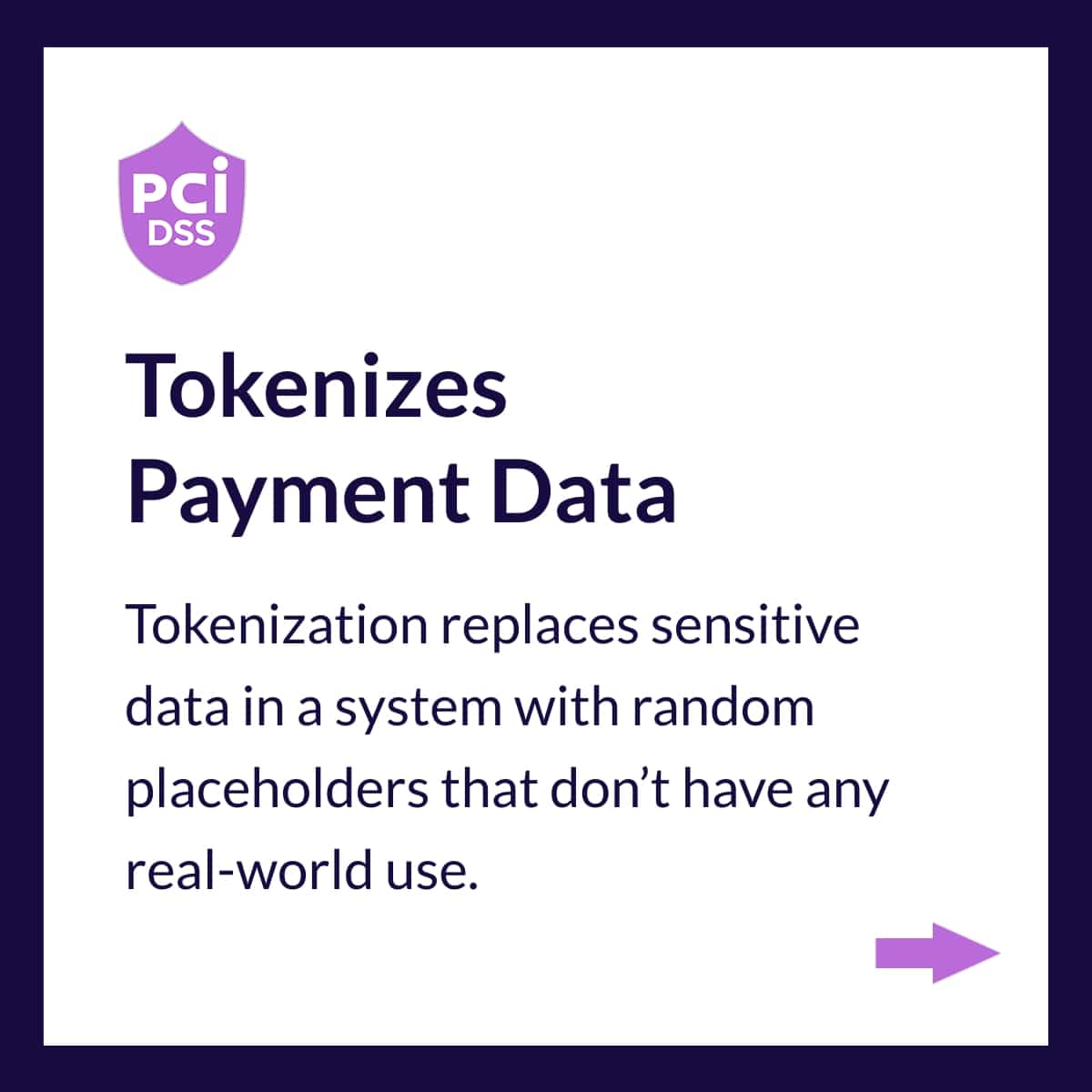
How PDCflow Protects Stored Credit Card Data Slide 1
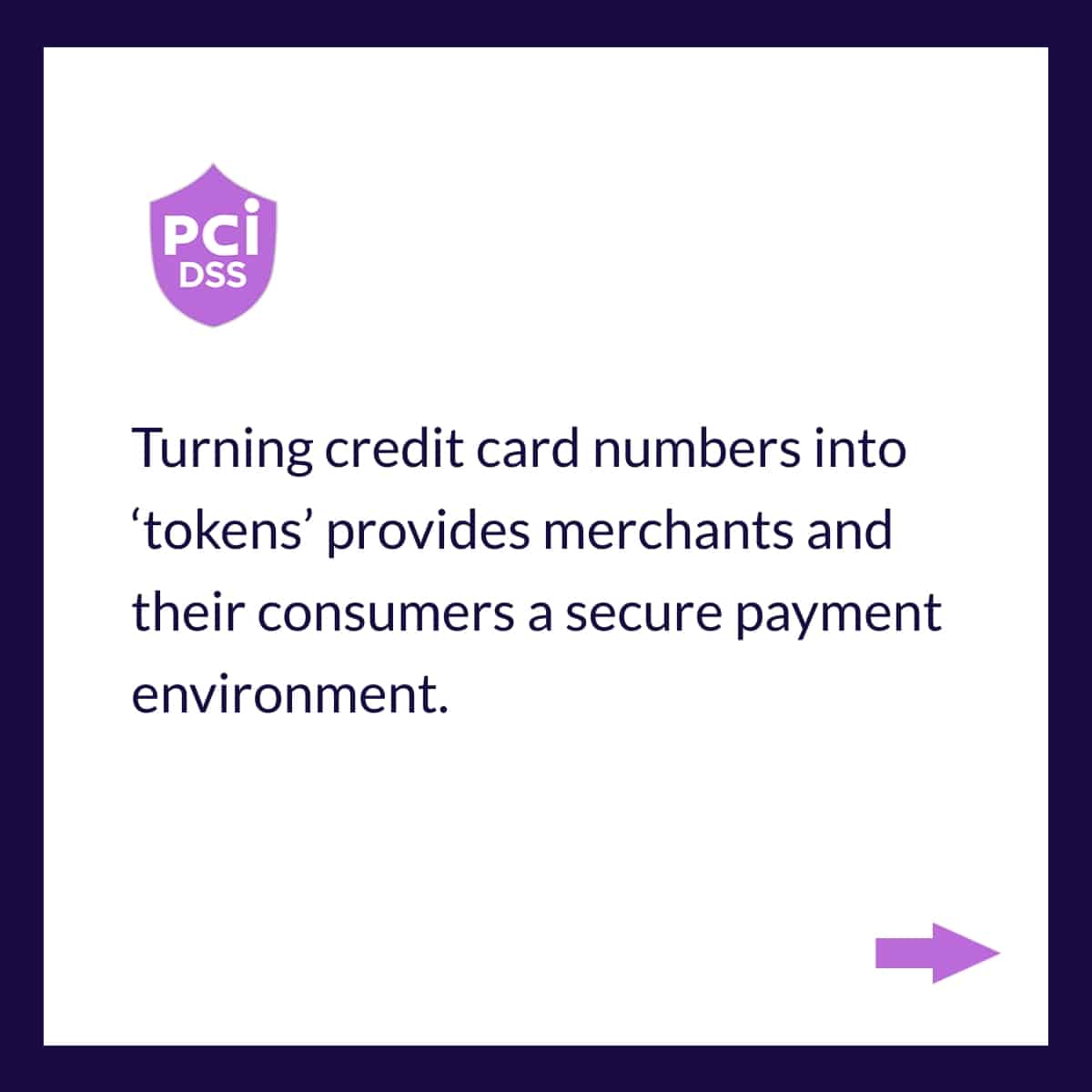
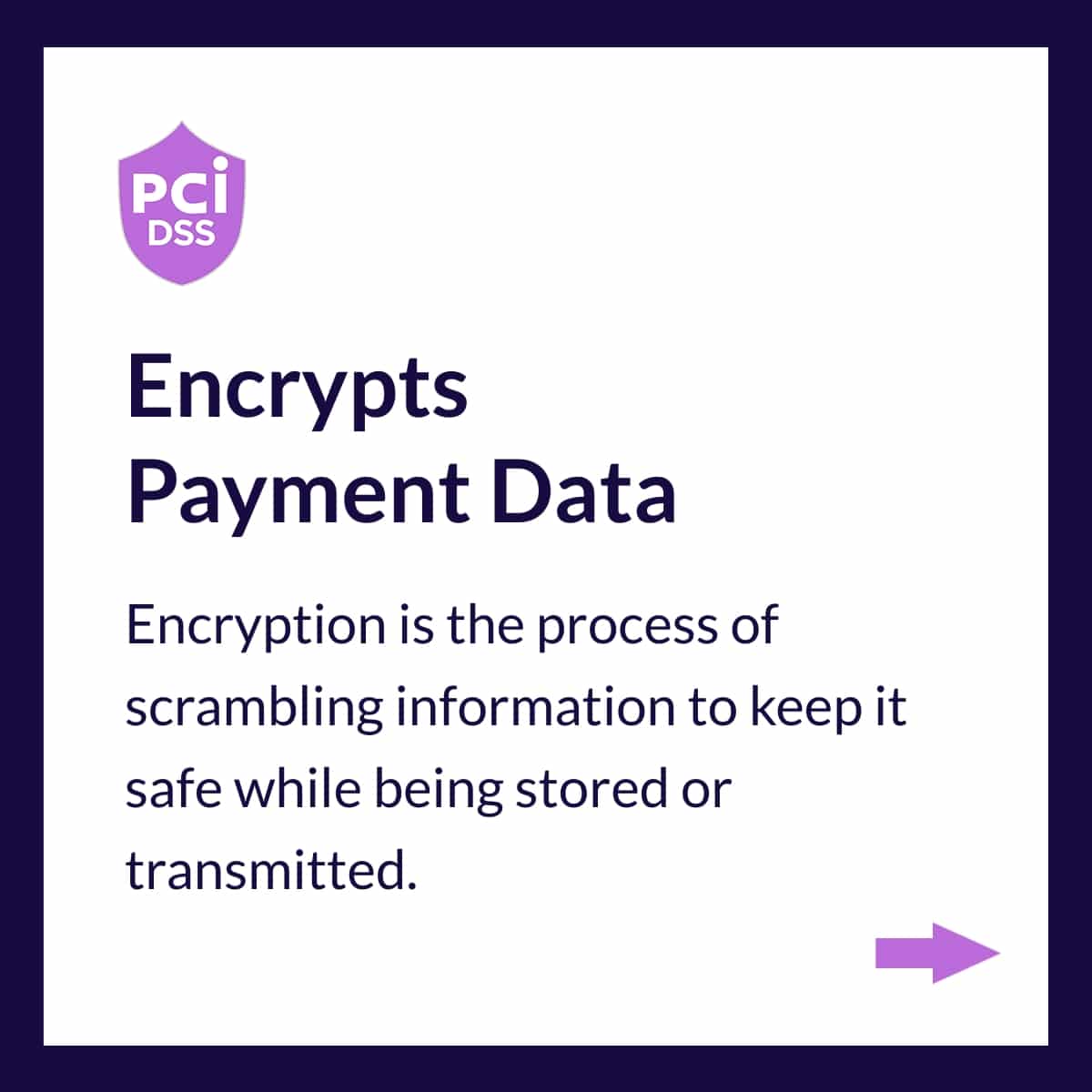
How PDCflow Protects Stored Credit Card Data Slide 2
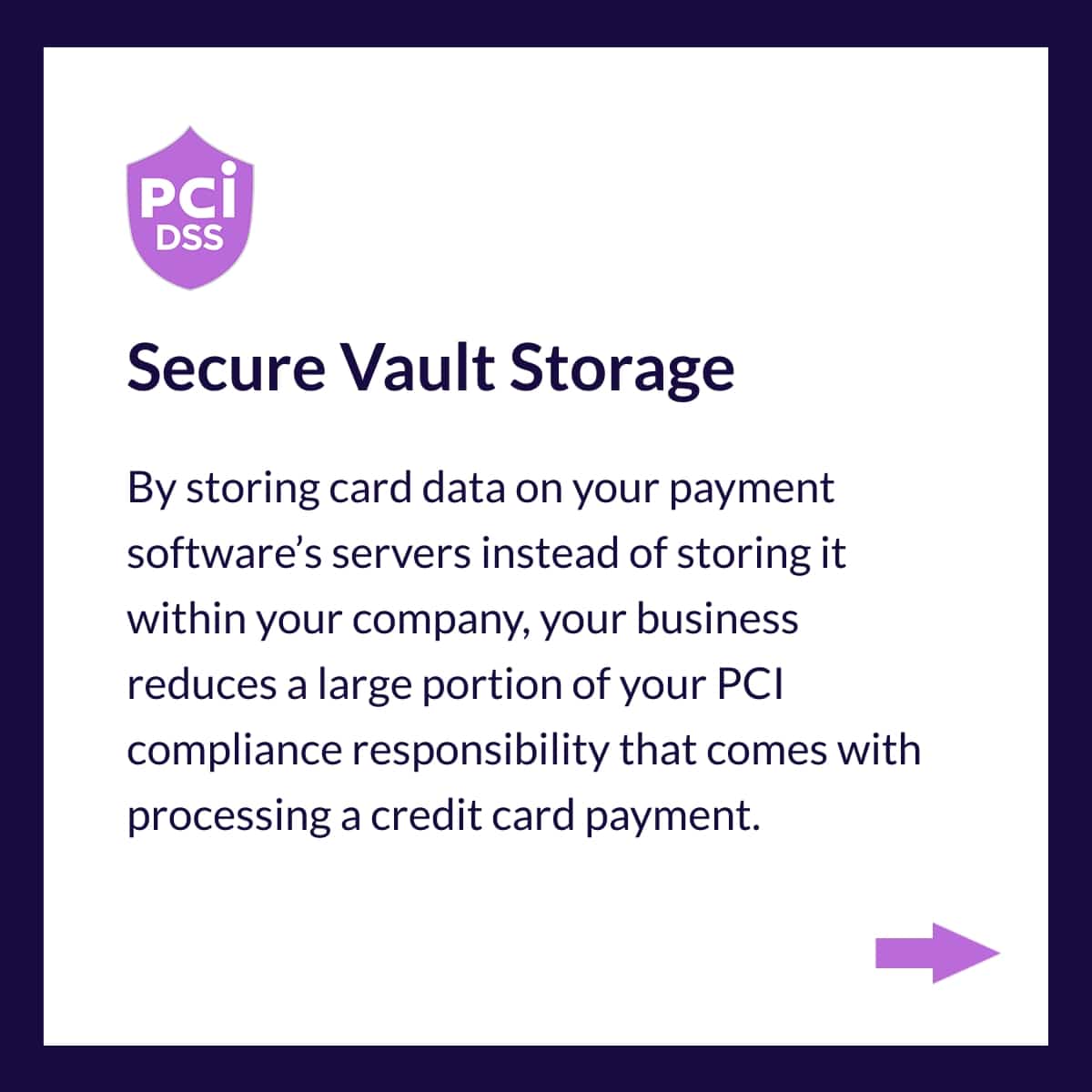
How PDCflow Protects Stored Credit Card Data Slide 3
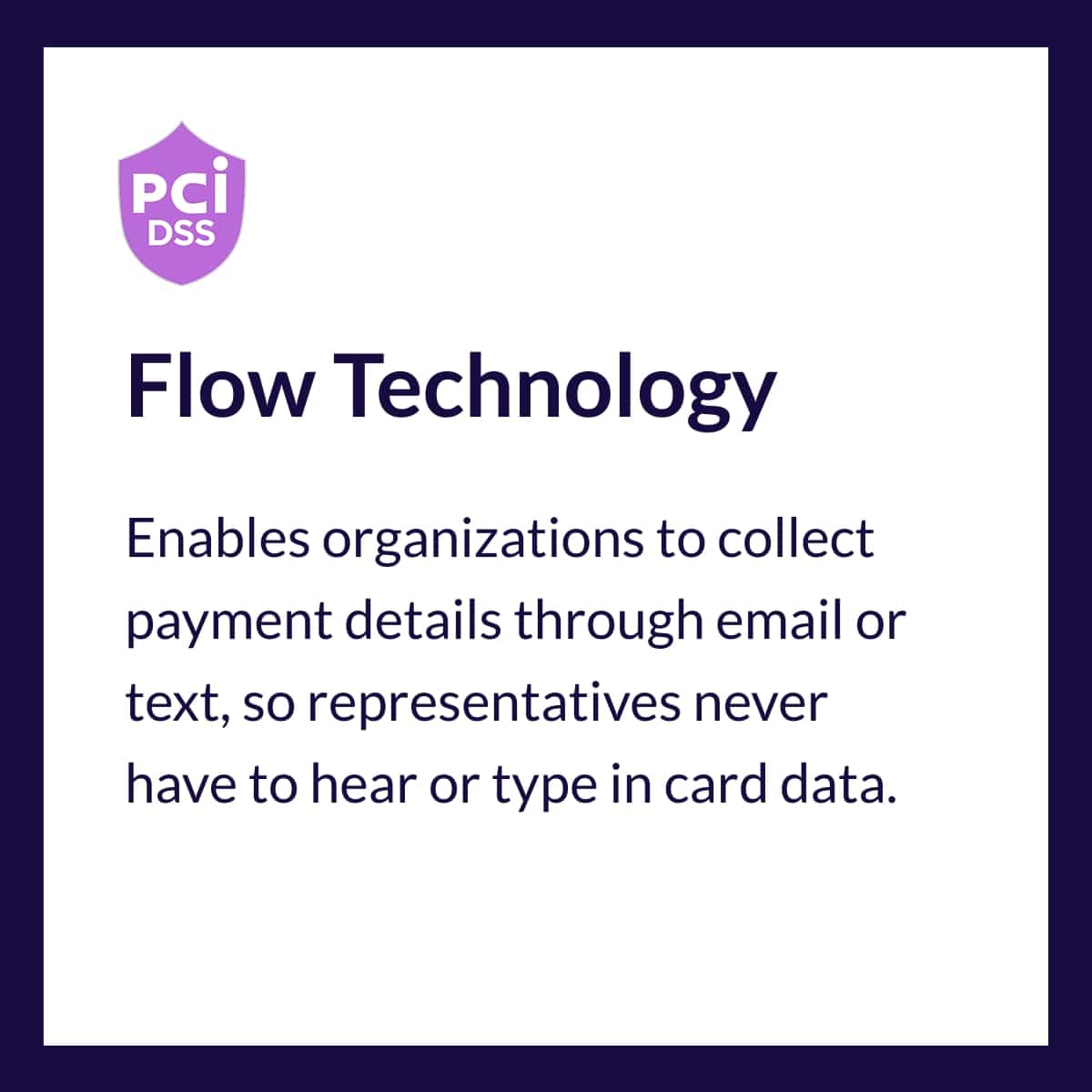
How PDCflow Protects Stored Credit Card Data Slide 4
How PDCflow Protects Stored Credit Card Data Slide 5
How PDCflow Protects Stored Credit Card Data Slide 6

Modern Risks Including AI-Driven Fraud and Automated Attacks

Cybercriminals can use artificial intelligence to bypass traditional defenses. Encryption and firewalls are increasingly challenged by sophisticated, automated threats.

  • AI-Assisted Fraud Attempts: Hackers can use machine learning to create phishing campaigns and deepfake communications. These AI tools can personalize social engineering attacks that are harder to detect.

  • Credential Abuse: Automated "credential stuffing" attacks use bots to test stolen username and password combinations. Because many users reuse passwords, one breach can lead to unauthorized access to sensitive payment environments.

  • Faster Attack Cycles: AI allows attackers to automate the process of finding software vulnerabilities. What used to take weeks of manual probing can now be done in minutes.

PCI Compliance Management

In an effort to keep customers safe during payments, the major card brands created the Payment Card Industry Data Security Standards (PCI DSS).

These standards are the PCI compliance rules every merchant must follow when accepting card payments.

Most merchants choose to use a level 1 PCI-compliant payment vendor like PDCflow, that handles and stores card data on behalf of the company.

  • If your company stores credit card information in-house, you need to pay close attention to PCI compliance guidelines and undergo audits.

  • If your company uses a payment processor like PDCflow to store data, you must still complete a Self-Assessment Questionnaire.

A Guide by PDCflow

Credit Card Processing Explained

Learn how credit card payments are processed, which PCI compliance requirements matter most, and how strong audit trails and controls help reduce risk, support regulatory reviews, and protect cardholder data.
Read the guide

A Guide by PDCflow

Credit Card Processing Explained

Learn how credit card payments are processed, which PCI compliance requirements matter most, and how strong audit trails and controls help reduce risk, support regulatory reviews, and protect cardholder data.
Read the guide

PCI DSS Compliance Requirements for Storing Credit Card Information

When deciding how to store customer credit card information, companies must adhere to the PCI DSS 4.0.1 framework.

These standards apply to all U.S. merchants that store, process, or transmit cardholder data, ensuring that both you and your vendors maintain the highest security levels.

Key Requirements for Secure Storage:

  • Ensure Data is Unreadable: Basic PCI requirements state that whenever cardholder data is stored (internally or through a third-party vendor) the primary account numbers (PAN) must be rendered unreadable. This is achieved through encryption, tokenization (using random placeholder numbers), or truncation.

  • Prohibition of Sensitive Authentication Data (SAD): Under no circumstances should sensitive authentication data be stored after authorization. This includes full magnetic stripe data, the three- or four-digit security codes (CVV, CID, etc.), and personal identification numbers (PINs).

  • Ongoing Validation and Compliance: Compliance is an ongoing obligation. Merchants are required to perform annual validation to ensure their security controls continue to meet PCI standards.

Secure Methods for Storing Credit Card Information

Follow these industry standards for how to store customer credit card data.

  • Tokenization: Replace sensitive credit card numbers with unique, non-sensitive identifiers called "tokens." If a breach occurs, the tokens are useless to hackers.

  • Encryption: The practice of encryption scrambles card data into an unreadable format.

  • Vault-based Storage: This method involves storing credit card information in a secure "vault" outside of primary internal systems. PDCflow’s secure data storage reduces the scope of merchant PCI compliance and the risk of exposure.

  • Data Masking: Data masking hides parts of the credit card number (e.g., showing only the last four digits).

Best Practices of Storing Credit Card Information

Depending on your organization’s policies and procedures, there are best practices that can help with storing credit card information and keeping customer data safe.

Access Controls, Zero-Trust, and Multi-Factor Authentication

Require MFA for systems that access payment data.

  • Use a payment vendor to store credit card information for you. Instead of capturing and storing information within your system of record, choose a payment vendor that handles those steps for you. When choosing a payment vendor, look for Level 1 PCI compliance and data tokenization and encryption security measures.
  • Don’t keep hard copies of payment information. Keeping paper forms containing card numbers is usually unnecessary for companies that use digital payment strategies. If you must store credit card information, you should keep it in locked filing cabinets or other secure locations.
  • Limit payment data access to authorized staff only. Use role-based permissions to control access for staff who don’t need card data for their jobs. Provide secure shred bins and lock filing cabinets that contain paperwork with card data.

  • Don’t record card data on agent-assisted calls. Instead, you can use PDCflow to send email and SMS payment requests. Consumers can fill out a payment form in real-time without having to reveal data to your agents.

The Merchant Do’s and Don’ts Checklist

Follow these essential guidelines for handling credit card data:

What You Should Do:

  • Minimize Data Retention: Only store card information that is absolutely necessary.

  • Leverage Experts: Partner with PCI-compliant vendors and payment processors to ensure high security standards.

  • Implement Masking: Always mask card numbers so that full details are not visible to unauthorized personnel.

What You Should Avoid:

  • Prohibited Data Storage: Never store sensitive authentication data such as CVV codes, PIN numbers, or full magnetic stripe data after authorization.

  • Unsecured Digital Logs: Do not store raw card numbers in non-secure environments like CRMs, Excel spreadsheets, or text documents.

  • Physical Records: Avoid writing down card details on paper, which can be easily lost or stolen.

  • Unprotected Voice Channels: Ensure that customer service agents do not record or manually transcribe card data during phone calls.
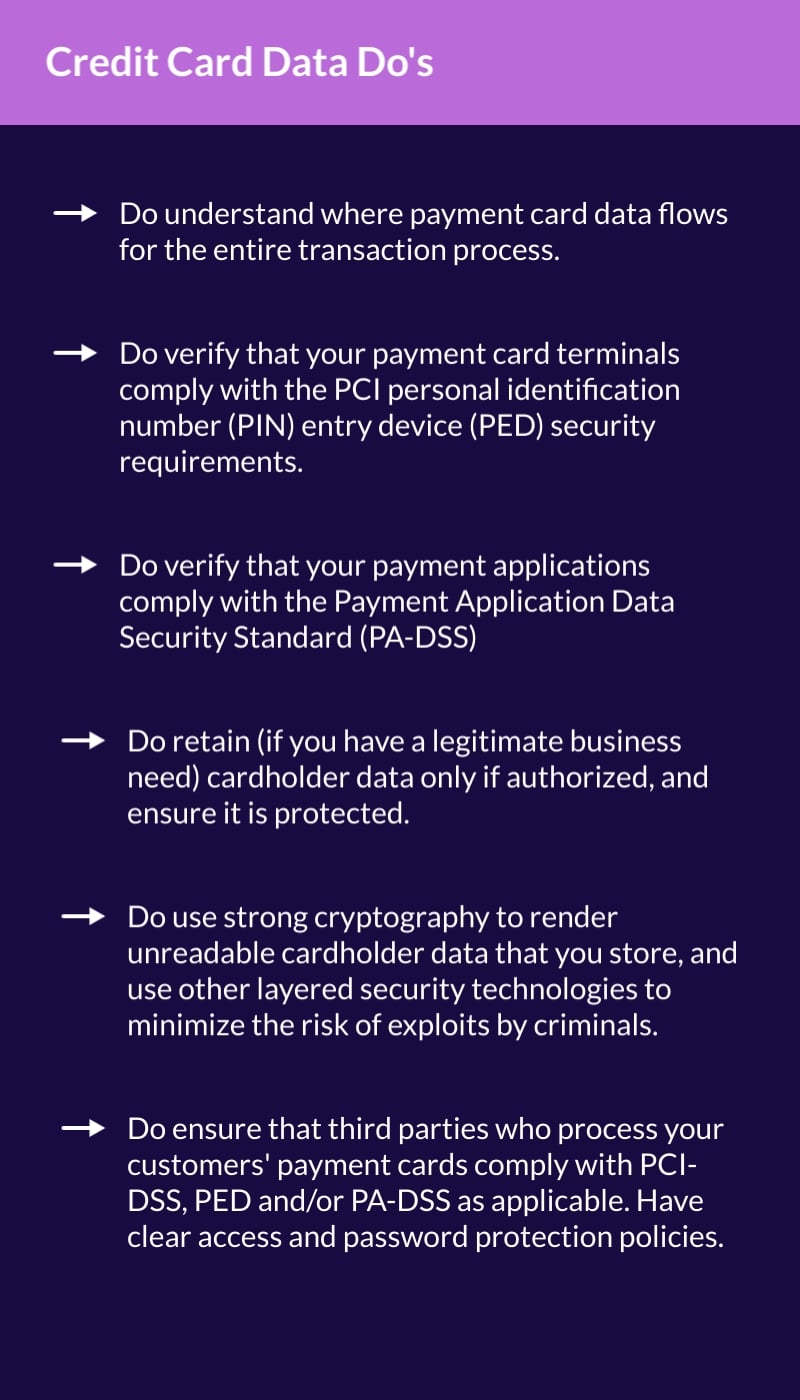
Credit Card Data Do's
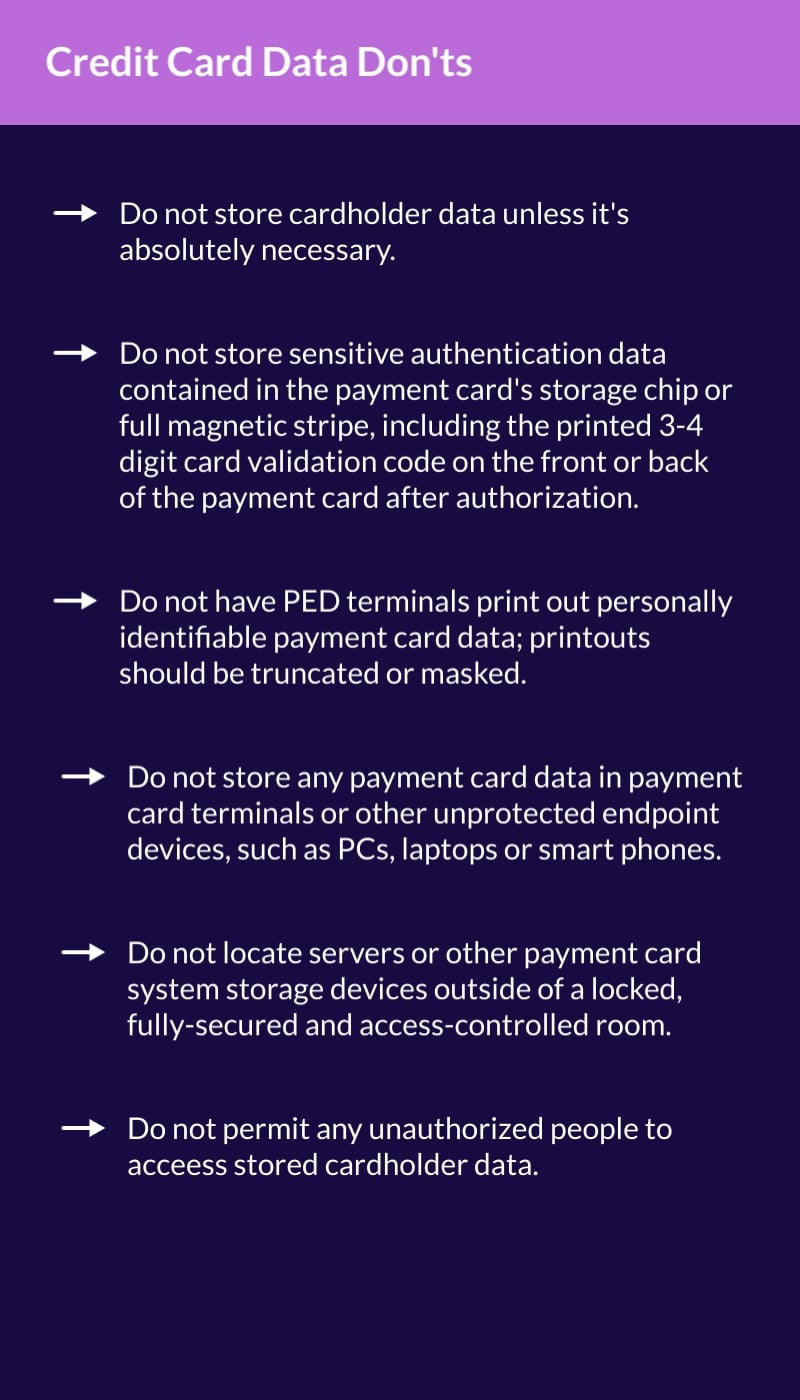
Credit Card Data Don'ts
Information sourced from PCI Security Standards Council: PCI Data Storage Do's and Don'ts

How to Choose a PCI-Compliant Payment Processor in the U.S.

Choosing the right payment processing partner is critical to securely store credit card information. Here are three criteria PDCflow adheres to for PCI compliance:

  • Level 1 PCI Compliance: PDCflow maintains the highest level of PCI compliance to guarantee rigorous security auditing.

  • Tokenization and Vault Storage: Tokenization should replace sensitive data with unique identifiers and store information in a secure, off-site vault.

  • Reduced PCI Scope: PDCflow requests securely capture and store data before it enters your system of record. Minimize your company’s PCI footprint, simplifying your annual compliance requirements.

PDCflow offers a variety of features and functions that keep customer payment details secure and make payment compliance easier for your business.

Frequently Asked Questions

From secure agent-assisted payments to encrypted, tokenized payment storage (and beyond) PDCflow can help simplify security, streamline workflows, and boost customer satisfaction.

Request a demo with a PDCflow payment expert today to learn more.

Request a Demo:

Want to know more about PDCflow Software?

Press ▶️ to watch our explainer video

See how PDCflow can create a one-step workflow for your contracts/invoices and payments. Book a demo today.
Book Demo

ONE-STEP PROCESS

Consolidate multi-step processes into one easy step for your staff and customers. Eliminate the need for multiple software vendors. Send all your business transactions in one Flow smart request.
Learn more
- ABOUT THE AUTHOR -
Hannah Huerta - PDCflow Marketing Specialist
Hannah Huerta, Marketing Specialist

Hannah Huerta is a Marketing Specialist at PDCflow. She creates content for the accounts receivable and payment industry.

LinkedIn - Hannah Huerta
Related Articles
Credit Card on File is a Game-Changer for BusinessesCall Center PCI Compliance: Keeping Agent Payments Safe