
ACH payments are cost-effective, easy to use, and offer customers more flexibility and choice. If businesses like using ACH for all of these reasons, why put off implementation? Some companies simply don’t know how to set up ACH payments.
Don’t let setup be a barrier. Make payments more convenient for you and the customers you serve.
Why Setting up ACH Payments is Good for Business
There are many perks to setting up ACH payments for your company. Here are a few compelling reasons to set up ACH payments for your business:
Reducing operating costs
Merchants typically pay a percentage of each credit card transaction processed. For companies with large dollar payments, this means paying a larger percentage of each transaction. This billing model eats directly into profits.
ACH payments, however, are typically charged as a flat fee per transaction. This structure saves companies money on large payments, as the merchant fee remains the same no matter the customer’s payment amount.
Easier payment reconciliation
Waiting for a paper check to be processed by the bank takes time and these payments must be manually accounted for somehow in your company’s records.
Setting up ACH payments improves reconciliation by keeping track of electronic payments – and reporting on them all in one place.
Pulling and reading reports, tracking specific customer workflows, and reconciling your merchant account are all easier when the information is housed in one software system without requiring extra work from your staff.
Customer preference
Learning how to set up ACH payments doesn’t just save time and money for your office. The more payment options you offer to customers, the more money you’ll bring in overall.
Customers want choices for how to pay and they want the payment process to be easy. Letting customers pay with a bank account through an email or text request or a self-serve online portal are easy ways to serve customers.
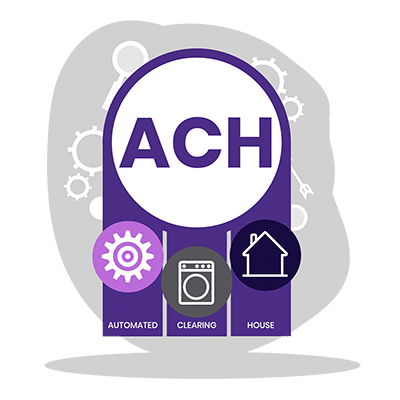
What is the process of an ACH transaction?
- Initiation: The process begins when an Originator — an individual, corporation, or other entity — decides to send an ACH transfer.
- Submission: The Originator initiates the payment with their bank, known as the Originating Depository Financial Institution (ODFI).
- Batching: After receiving instructions from multiple Originators, ODFI batches these requests before sending them to an ACH Operator.
- Processing: Next, the ACH operator processes each batch and arranges for the transaction amount to be debited or credited accordingly.
- Settlement: Finally, payment reaches its destination after being routed through the Receiving Depository Financial Institution (RDFI).
How to Set up ACH Payments
The process of setting up ACH payments should be straightforward but there are other considerations to keep in mind.
After ACH setup, your business will also need to understand what it means to take a compliant ACH payment and implement internal processes that help you follow these rules.
Establish Your Merchant Account
The first step to setting up ACH payments is to establish a merchant account. Your payment vendor should be able to explain how to set up ACH payments through their company.
Often, this involves providing financial documents and going through an approval process.
To set up ACH payments through PDCflow, for example, our payment experts will:
- Outline the payment processor choices we offer. PDCflow offers several ACH processor options to choose from. Pick the right one for your business.
- Provide a list of the documents necessary. A PDCflow Customer Success specialist will help you understand the items you need to provide to get approved with the processor of your choice.
- Walk merchants through submission. Because we have existing relationships with these ACH processors, PDCflow’s team can help monitor the process, answer questions, and help you submit the appropriate items to get approved.
- Set up ACH payment processing through PDCflow. Once approved, PDCflow will add ACH payments to an existing account (if you already have one with PDCflow) or will set up ACH payments in a new account, depending on your needs.
- Train you and your staff. PDCflow’s Customer Success team is always available to train staff and answer any other questions you may have about our software. Every customer can take advantage of our free training.

Understand ACH Payment Regulations
There are a number of payment regulations and industry standards in place to keep customer payment details safe and fight fraud.
When learning how to set up ACH payments, companies must also focus on compliant payment processes to avoid fines and fees and keep customer payments secure.
There are two main areas of ACH payment compliance to keep in mind:
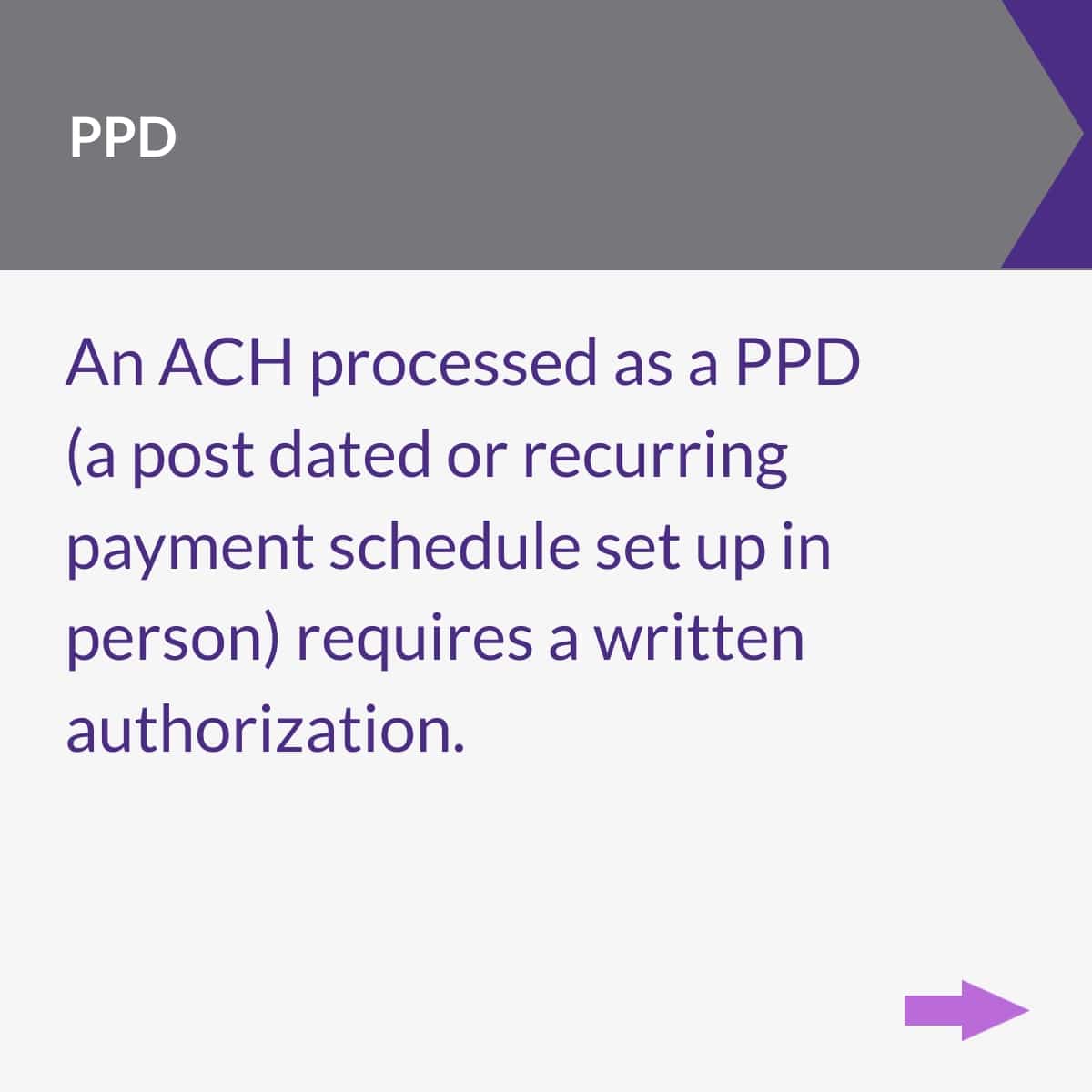
- Regulation E - ACH payments are considered a type of electronic funds transfer (EFT). This means, any business that uses them must follow Regulation E of the Electronic Funds Transfer Act (EFTA). The most relevant requirement for ACH is that merchants must get authorization from customers before beginning a recurring payment schedule.
- Nacha - The ACH governing body Nacha also comes with rules merchants must follow. They are the body that governs and monitors ACH activity. Nacha has created guidelines intended to make ACH transactions safe and reliable. For example, bank account verification and payment authorization are two important areas of compliance.
PDCflow follows payment regulations and industry standards closely. We monitor changes and enhance our features in line with these rules. PDCflow offers many ways to help you stay compliant:
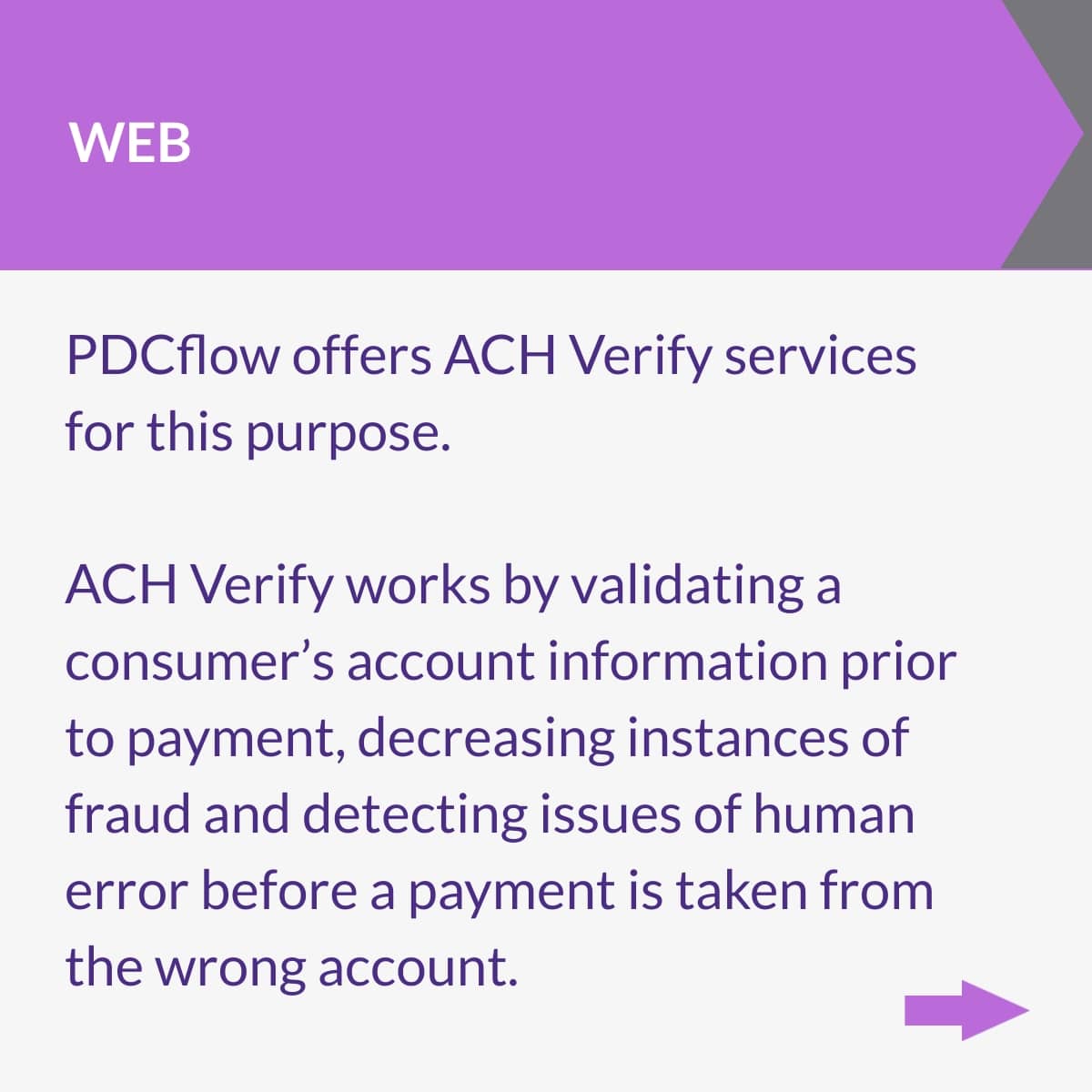
- ACH Verify - Nacha’s web account validation rule makes it easier to weed out fraudulent ACH transactions online. It says accounts should be validated as authentic before payments are submitted. PDCflow’s ACH Verify feature validates accounts before payments are submitted to keep you compliant, fight returns, and reduce fraud.
- Flow Technology - Many types of transactions should be approved by the customer before submission. For example, recurring payment schedules should be approved by your customer before you start to take payments. Flow Technology lets you send schedules to your customers by email or text. They can review and sign their approval in minutes, right from their inbox or mobile device.
Implement a Proof of Authorization Process
Occasionally, your ACH processor will want to verify that your company is following the rules to take ACH payments safely, with authorization from customers.
Your company needs to know how to set up ACH payment authorization processes, so you can prove that your customers approve of the payments you are taking.
Proof of authorization will look different depending on how the transaction is processed. Here are the main ACH transaction types:
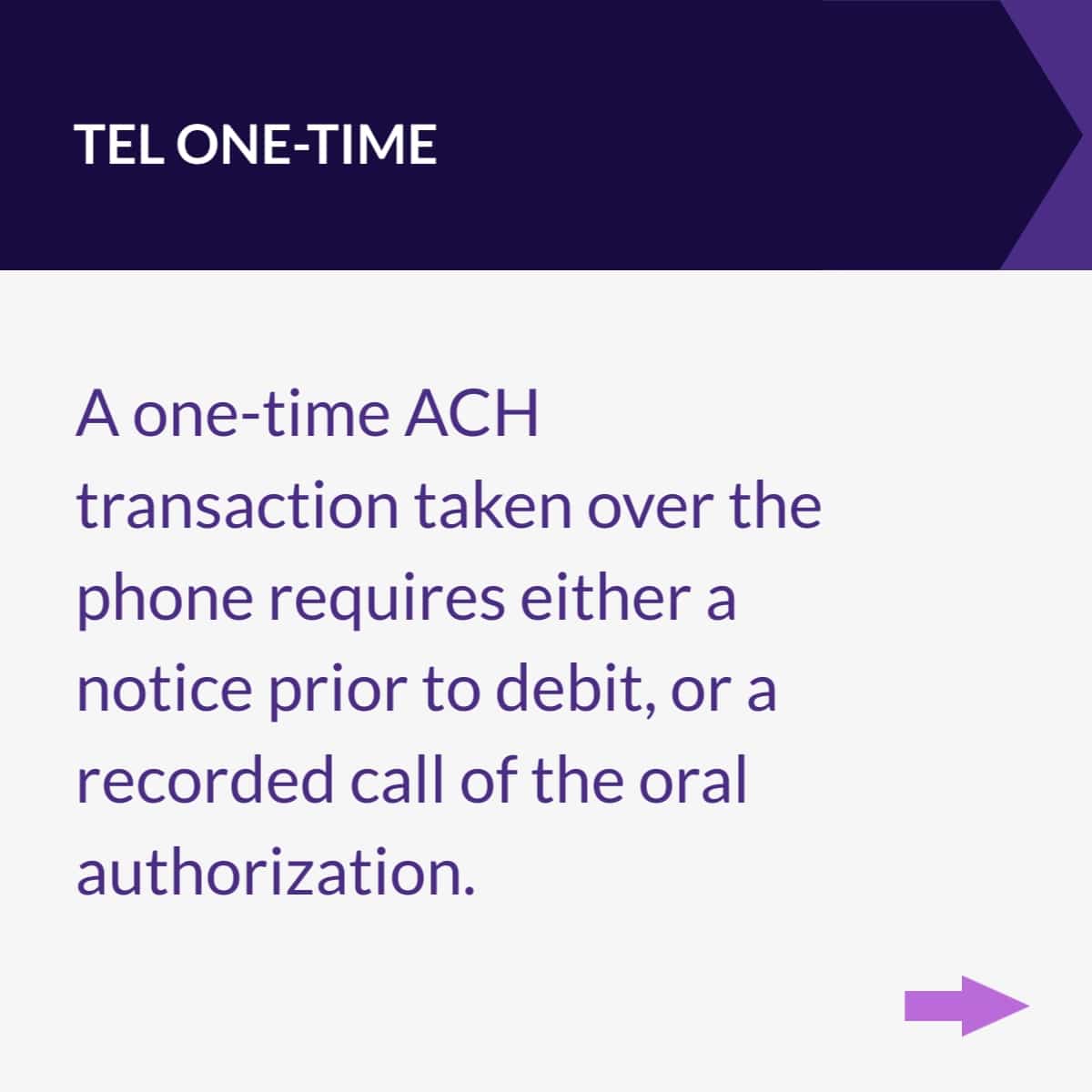
- TEL one-time - This is a single transaction being processed over the phone. You can either give prior notice before the ACH debit or record oral authorization.
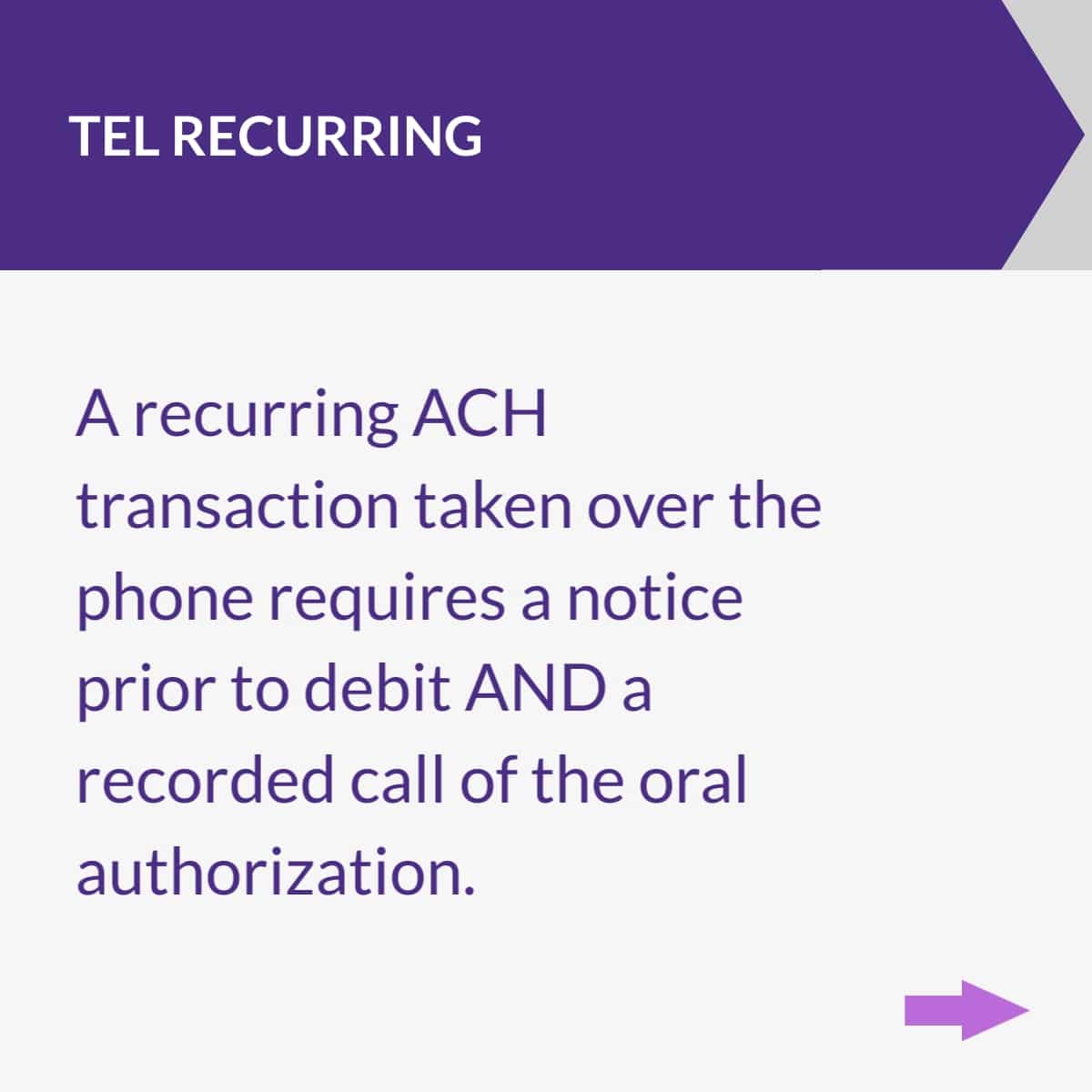
- TEL recurring - This is when your company sets up a recurring payment schedule for customers to pay their bill in installments over the phone. This must include a notice prior to debit AND a recording of oral authorization.
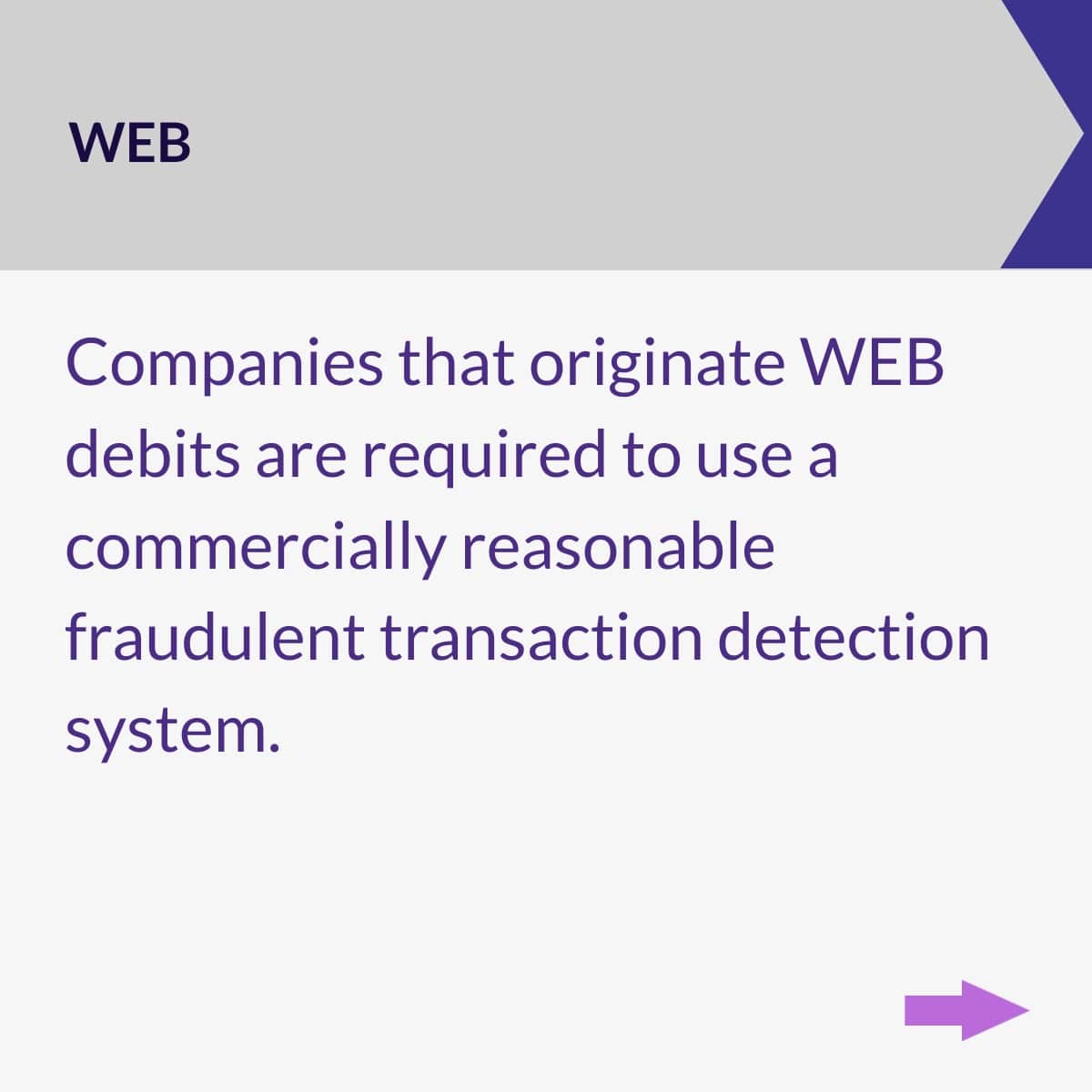
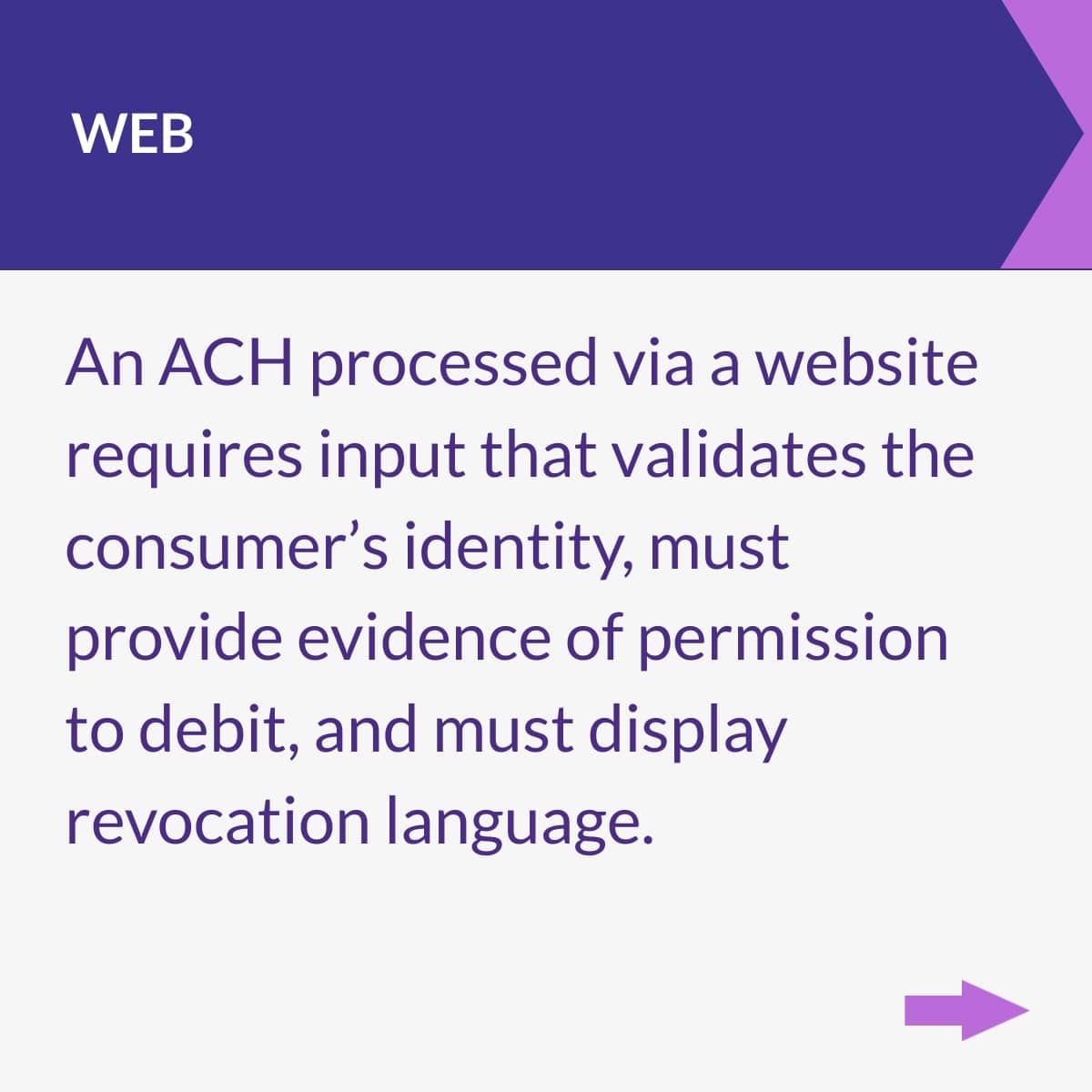
- WEB - WEB payments are ACH transactions submitted through an online source (like a payment page). To prove WEB authorization, you must authenticate the customer’s identity in some way, gather some type of proof they approve of the transaction, and display revocation language so customers know how to revoke permission.
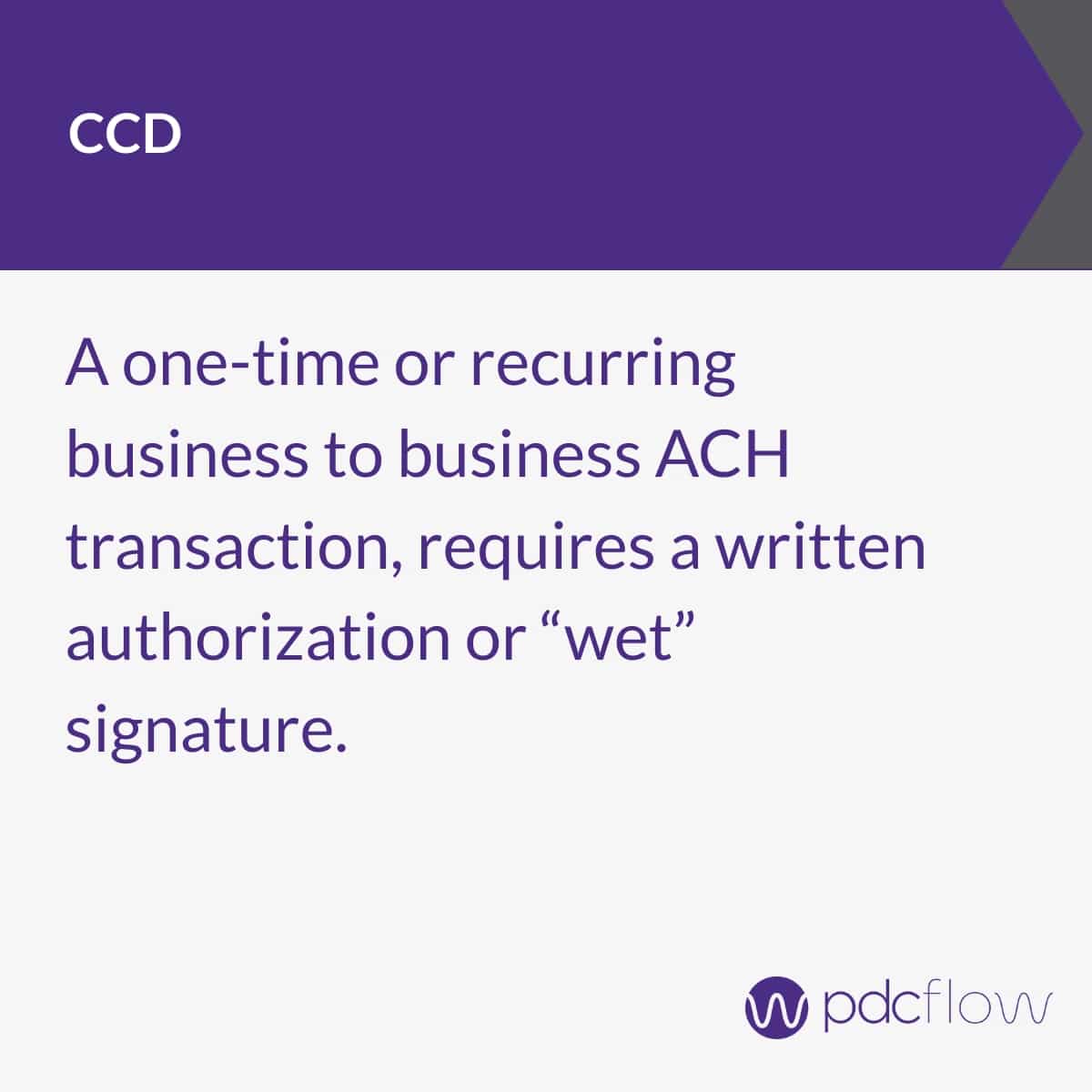
- CCD - CCD payments are ACH credits or debits to a business account. These require a legal signature authorization, such as a digital signature gathered through a Flow request.
Learning how to set up ACH payments and gather proofs of authorization will enhance your payment offerings to customers, make processes easier for your staff, and keep your business compliant.
Request a demo with a PDCflow payment expert today for more information on adding ACH payments for your business.
Request a Demo:
Want to know more about PDCflow Software?
Press ▶️ to watch our explainer video
ONE-STEP PROCESS
- ABOUT THE AUTHOR -

Hannah Huerta, Marketing Specialist
Hannah Huerta is a Marketing Specialist at PDCflow. She creates content for the accounts receivable and payment industry.

Related Articles