
Basic Customer Service Skills
DON’T OVERPROMISE
OFFER SOLUTIONS
Customers don’t always understand the processes your company follows or what actions your staff can take to help if something goes wrong. It’s common to receive requests that aren’t achievable. And that’s ok!
Train associates to listen to the end goal a customer has in mind. Understanding what customers want allows agents to create their own list of options to help. Encourage persistence in finding the right solution for your customer and teach employees to think creatively to solve problems.
LISTEN TO BAD REVIEWS
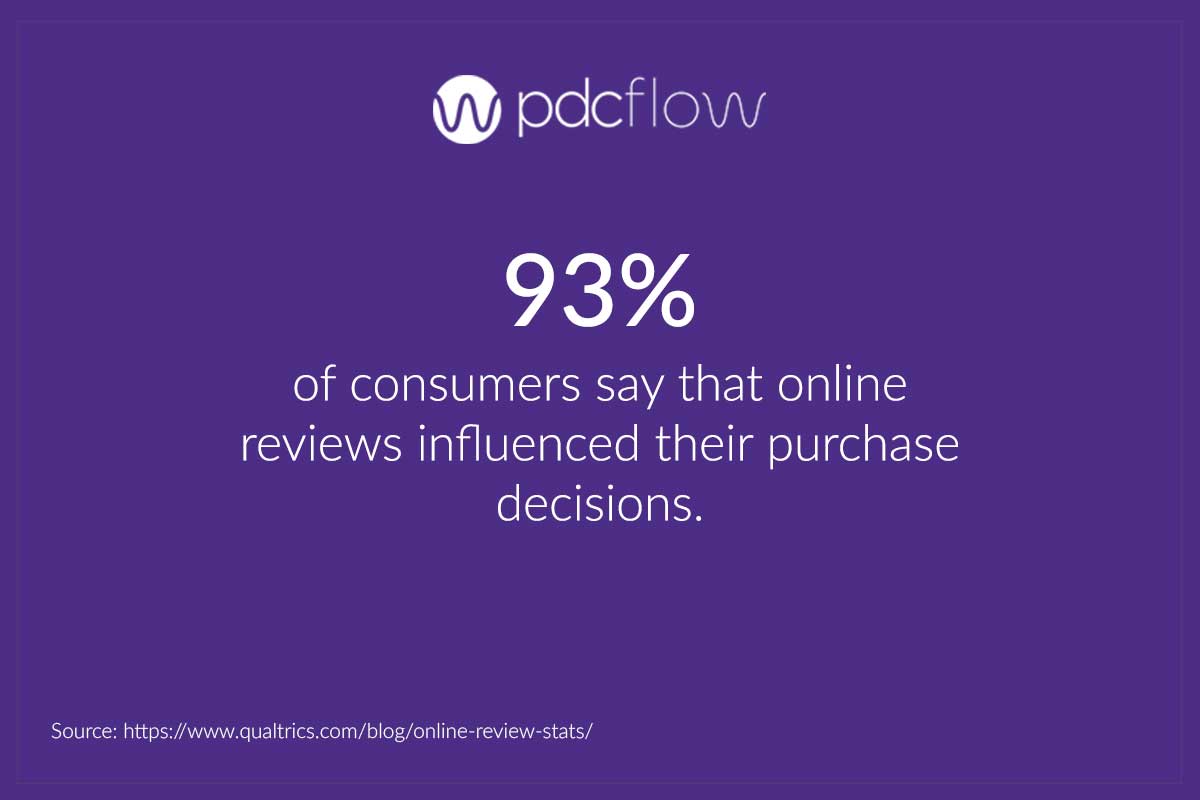
There will always be difficult customers from time to time. Depending on the nature of your business or the department in question, bad reviews may or may not be a concern. Effective strategies to improve customer service quality will vary depending on these factors.
However, negative feedback should not be dismissed. Bad reviews teach you where you can improve or where your policies and procedures should be improved.
Most customers are just looking for solutions to their problems. If you take the time to listen to complaints through a proper escalation process, customer satisfaction will increase.
Characteristics of Quality Customer Service
EMPATHY
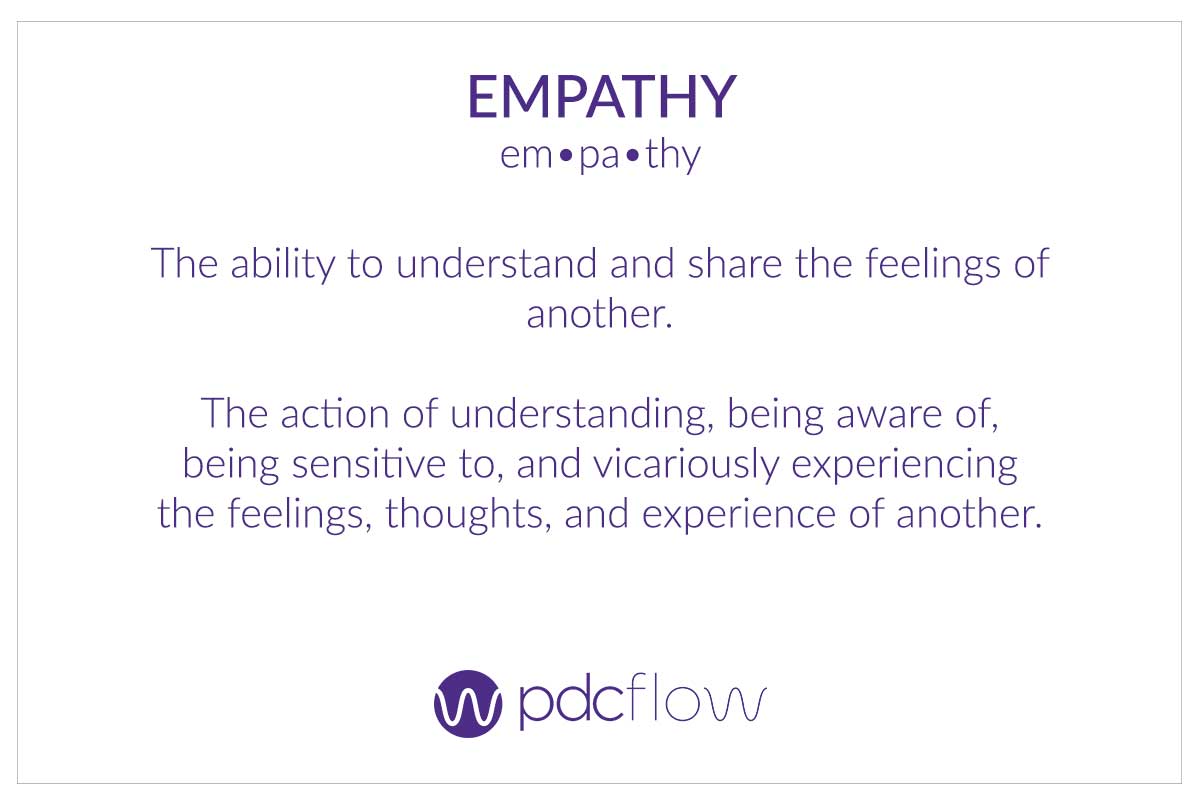
Understanding how people feel is the key to knowing what they want and need. Customers reaching out because they can’t pay a bill or there is something wrong with their product may be in a heightened emotional state.
Showing empathy to customers is the key to deescalation and resolution. Remember, we are all just people. Tell them you understand how they feel and that you will both work together toward a solution. Validation and teamwork put people at ease and build trust and rapport with your customer service agents.
PROACTIVE FOLLOW-UPS
Not every interaction is a customer complaint or an incoming call, web chat or email. Good customer service means employees are proactively contacting customers, before issues arise. You may find yourself needing to reach out for many reasons. Here are just a few examples:
- Follow up on unsigned invoices, contracts or paperwork
- Calling about an unpaid bill before it becomes delinquent
- Sending payment reminders on recurring payment schedules
CATERING TO CUSTOMER PREFERENCE
Administrative Strategies to Improve Customer Service Quality
PERSONNEL IMPROVEMENTS
The best way to improve your customer service is to update your systems for finding and developing staff. Focus on call center training efforts and improvements to the culture of your workplace. Once these are in place, many problem behaviors tend to correct themselves.
- Hiring and resume reviews - A more thoughtful approach to reviewing resumes and conducting interviews can help you uncover better information about candidates.
- Positive language - Eliminate negative language and provide positive alternatives for call scripts and during training. This simple change reframes conversations with customers to highlight your interest in helping them.
- Company culture - Employees can only do so much on their own. Lead by example – emphasize customer centric practices in your own interactions with customers. Also reinforce positive examples whenever possible, as a team and to individuals.
SOFTWARE IMPROVEMENTS
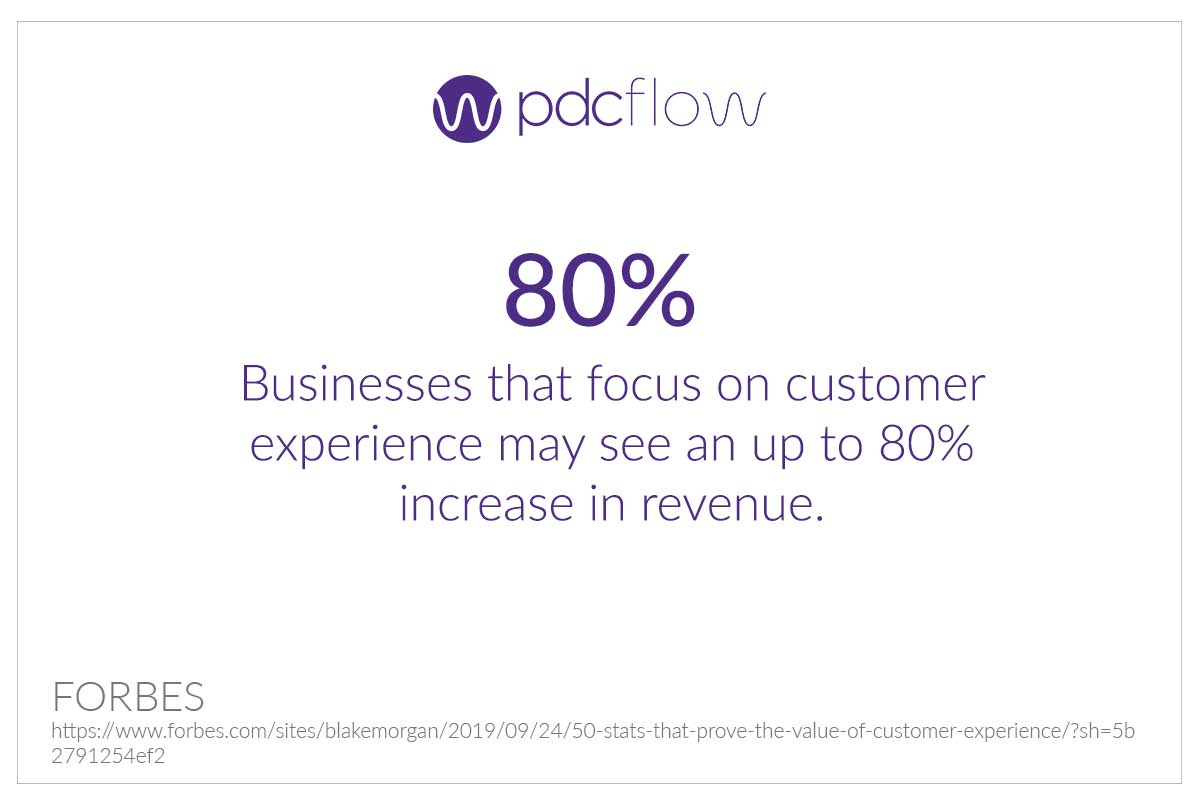
Working with your people to improve one-on-one interactions will boost survey scores, increase repeat business and reduce the number of public-facing complaints your company receives online.
Wider updates to your technology can influence a larger number of customers, faster. Some of the improvements a technology upgrade can offer your business:
- User friendly features - No matter what you’re trying to accomplish, the process should be simple for customers. Test how workflows look to customers and find ways to roll multi-step processes into one.
- Self-service and after hours options - Not every customer has a complaint, or wants to speak to an associate. Offering online payment options caters to customers who want to self-serve their accounts or have personal schedules that prevent paying bills during business hours.
- Digital communication channels - Mail is a slow, ineffective way to interact with customers. Digital communication helps to send invoices, payment requests or get estimate approvals faster through text and email.
- Automations - Internal automation functions, like workflow event notifications, help teams collaborate on accounts, even when working remotely. Automated reminders on scheduled payments make it easier to keep customers on track without overburdening staff.
PDCflow Software for Better Customer Service
PDCflow’s payment and digital communication software simplifies the way you interact with customers. Event notifications and robust reporting make office collaboration simple, reducing missed opportunities and instances of human error.
Email and text message delivery systems, payment portals and web chat payment options offer variety, so you can reach a wider audience of customers and cater to more preferences.
PDCflow’s Flow Technology provides a secure option for requesting payments, esignatures or photo uploads. Or, use a Flow to address questions in real time – digitally send documents like invoices while on the phone or a chat with customers to discuss details of the bill.
Do you want to:
- Increase how many payments your staff collects and how fast payments are completed?
- Standardize your workflows to ensure payment and other industry compliance requirements are met?
- Reduce friction and improve the experience customers have with your business? Download the Flow Technology Solution Brief for Call Centers to learn more about the customer service, compliance and office workflow benefits of adopting Flow for your business.
Download Flow Technology Solution Brief for Call Centers
- ABOUT THE AUTHOR -

Hannah Huerta, Marketing Specialist
Hannah Huerta is a Marketing Specialist at PDCflow. She creates content for the accounts receivable and payment industry.

Related Articles